Guides
How to turn off the search button on iPhone?
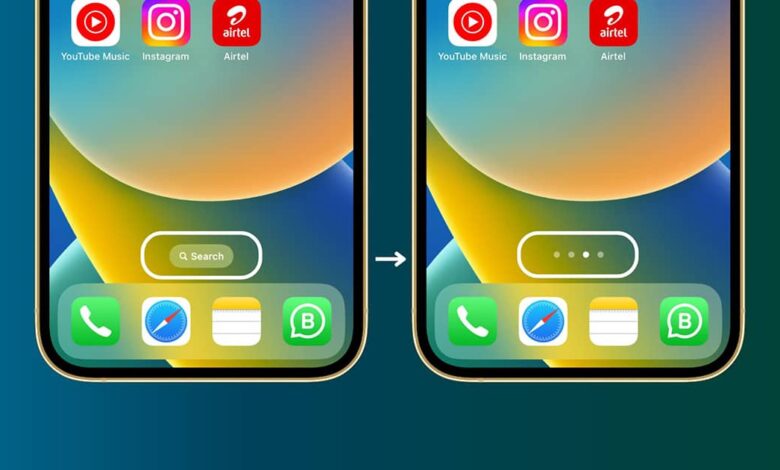
iOS 16 has brought one wanted feature to the iPhone: turning off the home screen’s search button, along with other new features and settings that you should try.
On an iOS 15 home screen, you’ll see a little icon between the dock and the other app icons. It shows a row of dots indicating how many home screens you’ve got and which one you’re on. Once you update to iOS 16, this icon is replaced by a Search icon, duplicating the Spotlight function accessed by swiping down on the Home screen.
How to turn off the search button on the iOS 16 home screen?
Settings > Home Screen and tapping the toggle labeled Show on Home Screen under Search.